 Soreno
· Since Soreno 0.6.2
Drag an issue, an agent starts
In Soreno’s Kanban, dropping an issue into In Progress starts an agent in a worktree of the right project. Its summary comes back as a comment, and your Linear issues get the same treatment.
An issue says what needs doing, an agent knows how to do it. In Soreno, the two meet on the Kanban. It is local by default, with no account: your issues stay in your profile, with their columns, priority, labels and project.
Drop it, the agent starts
Drag an issue into In Progress and Soreno offers to start the agent. It sets off in a worktree of the issue’s project, with the description as its brief, without touching the branch you are on. Not now moves the issue without an agent.
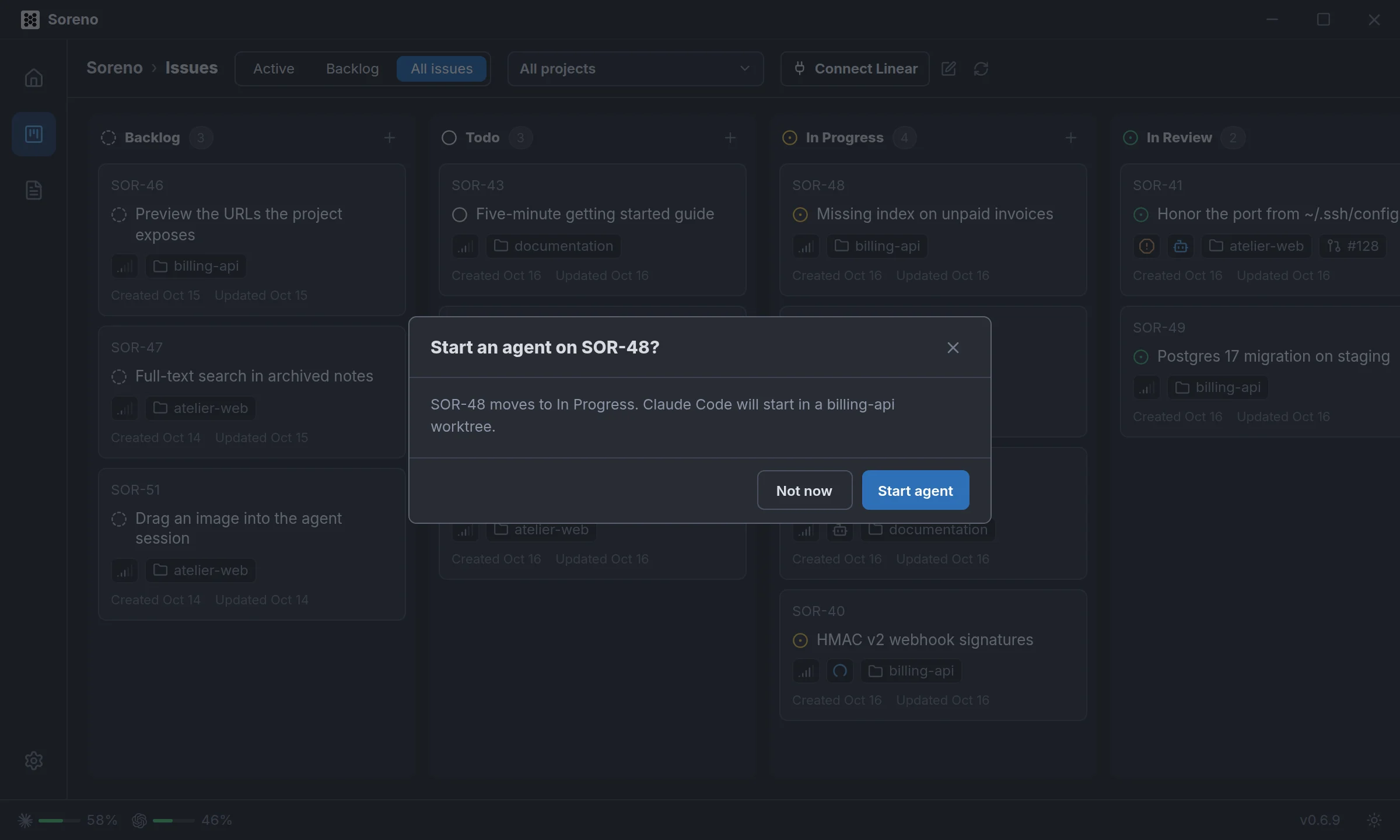
On the board, each issue in progress shows the agent working on it. If the start fails, the issue goes back to its column.
Its summary, as a comment
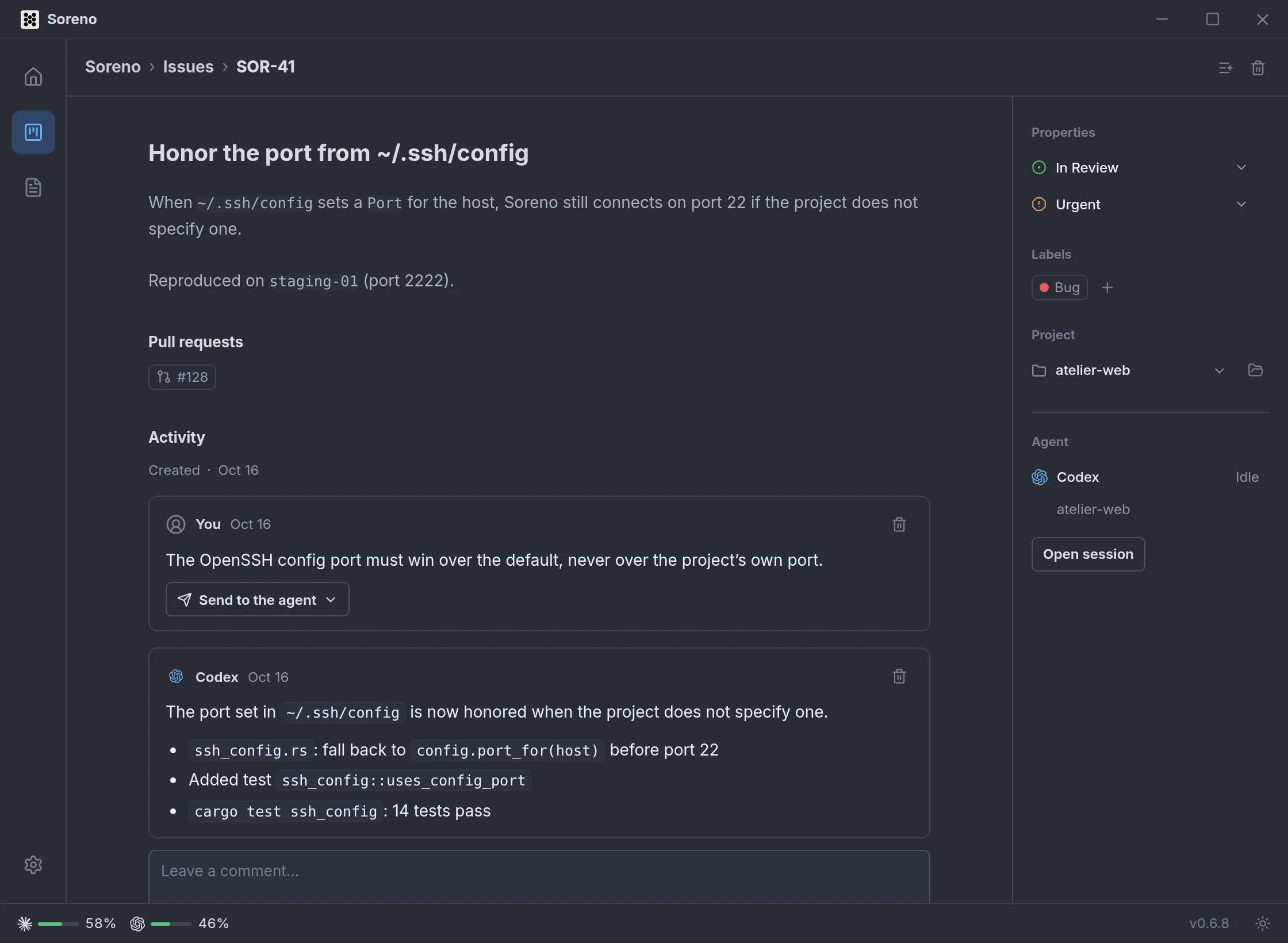
When the agent is done, its summary lands as a comment and the issue moves to review. The issue’s page brings together the description, editable in place, the linked pull requests and the agent’s session, one click away.
A remark? Send it over
Leave a comment on the issue, then Send to the agent: the linked agent gets it in its session. Its next summary only covers what changed since the previous one.
Your Linear issues too
Connect Linear, in the board’s header, adds your team’s issues to the same columns, marked Linear, with an All, Local or Linear filter. What you change in Soreno goes straight to Linear: state by drag and drop, title, priority, labels, description, comments. An agent started on a Linear issue posts its summary there as a comment and moves the issue to review.
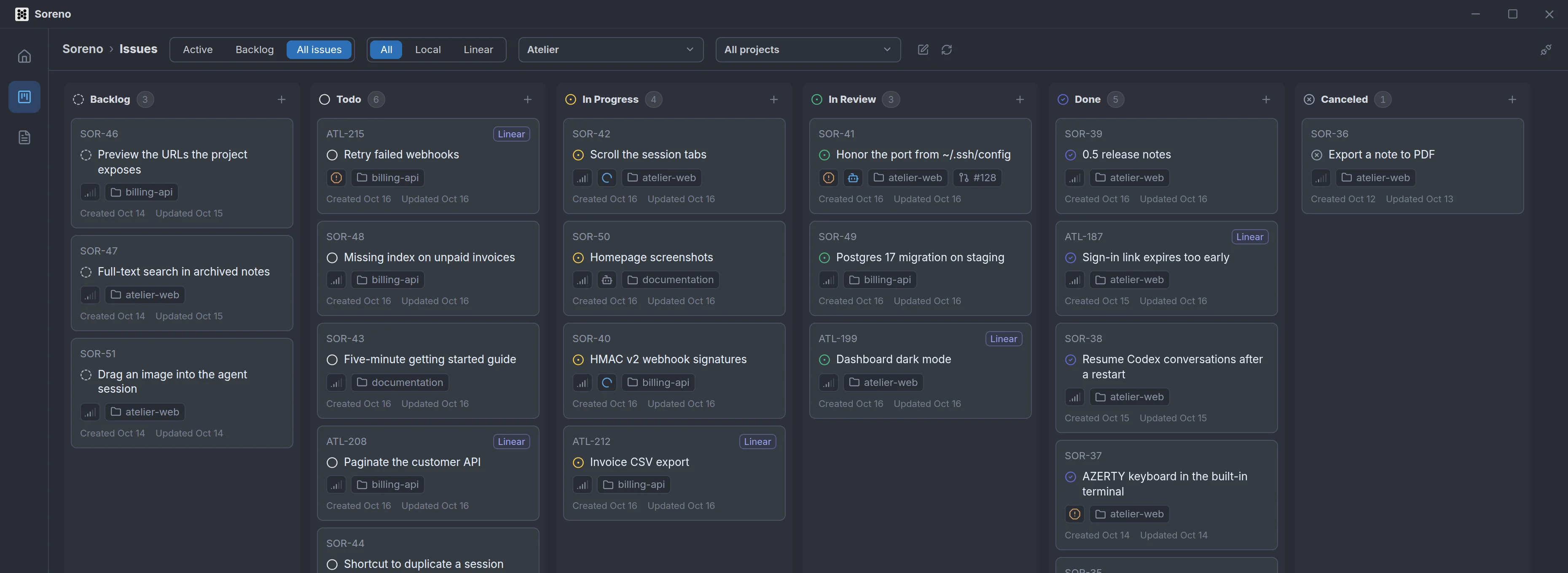
Link a Soreno project to a Linear project, and the agent starts in the right place. Send to Linear moves a local issue to your team, comments included. Without a connection, the Kanban stays fully local.
And your agents use it too: ask them to create an issue, and it shows up on the board.
