 Soreno
· Since Soreno 0.6.0
Your projects, your colors
In Soreno, every project, group and note type can get an icon and a color, and a project its own logo. Add colored file icons and a light or dark theme, and everything stands out at a glance.
As the project column grows, names start to look alike: atelier-web, billing-api, worker-webhooks… An icon and a color are enough to spot the right one at a glance.
An icon and a color per project
Right-click a project or a group’s header, then Customize icon and color: eight colors, 154 icons with a search, or your own image, a client’s logo for instance, as PNG, JPEG, WebP or GIF. Every choice applies right away, with nothing to confirm.
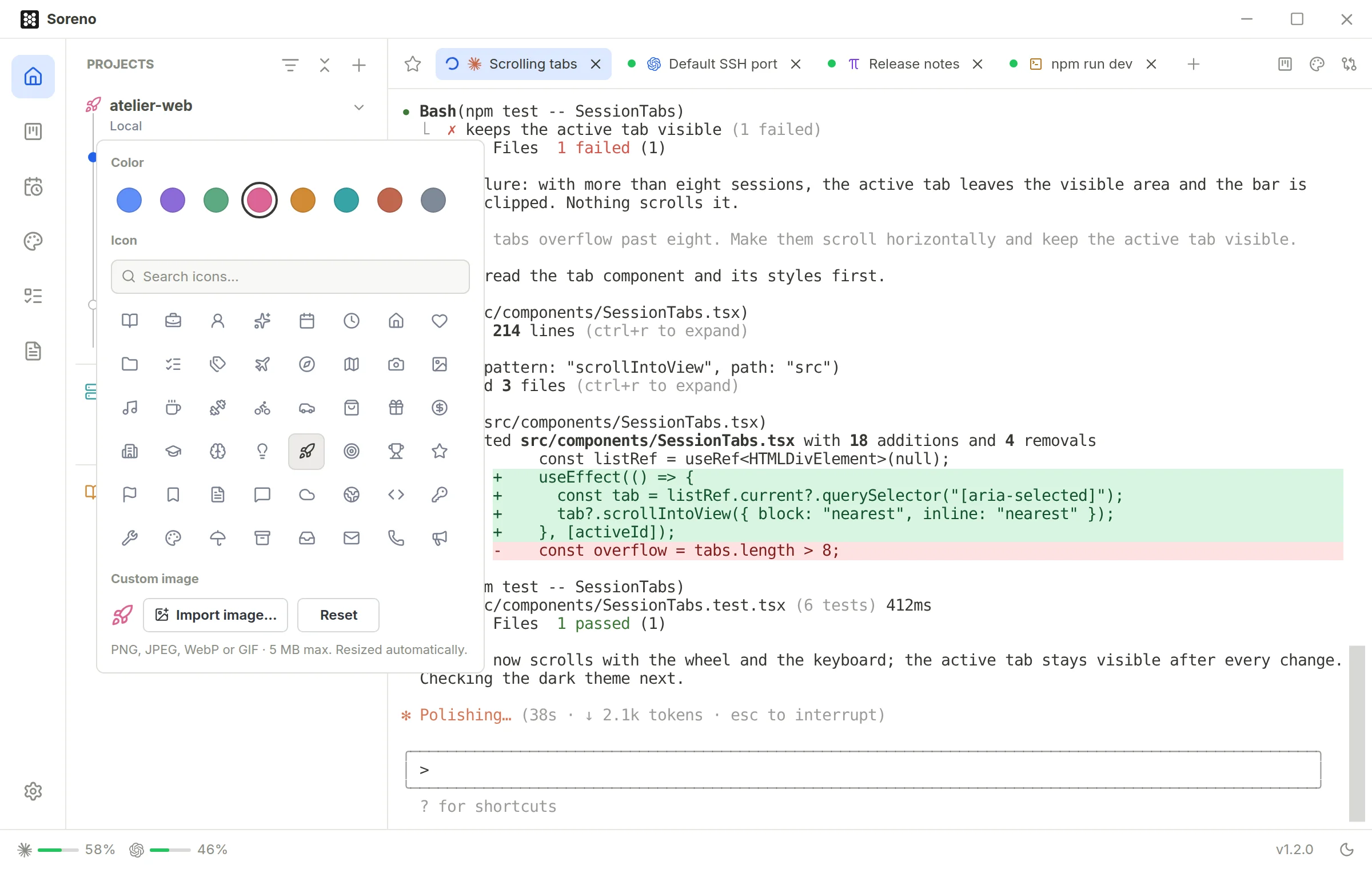
The icon follows the project onto the Kanban’s cards and into Automations, and a new worktree takes its project’s icon. It stays on your computer: nothing goes into the repository.
Note types too
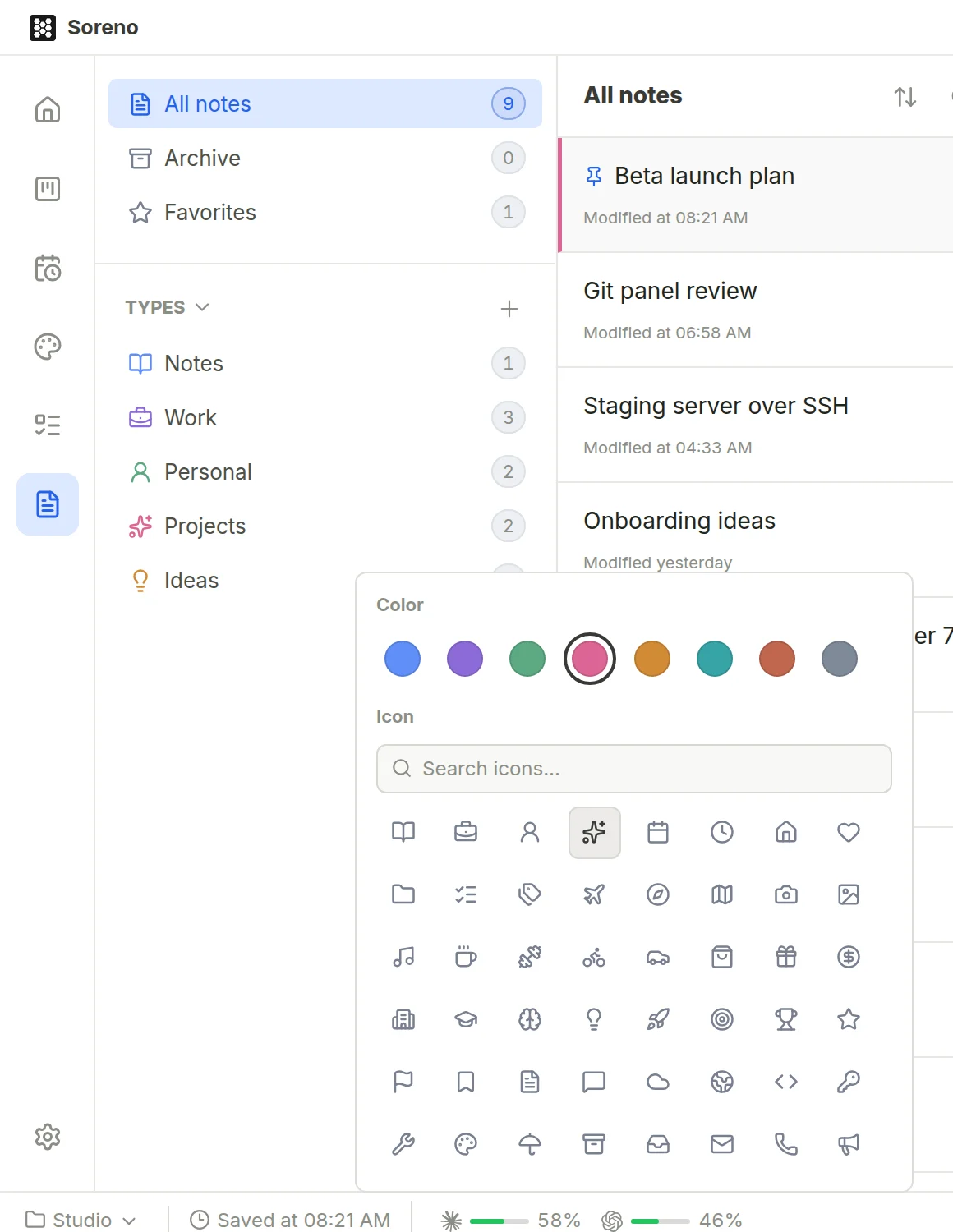
In the Notes view, each type has its icon and color: Work, Personal, Ideas… Right-click a type to change them, with the same colors and icons, and the + of the Types section creates a new one.
Recognizable files, the theme you like
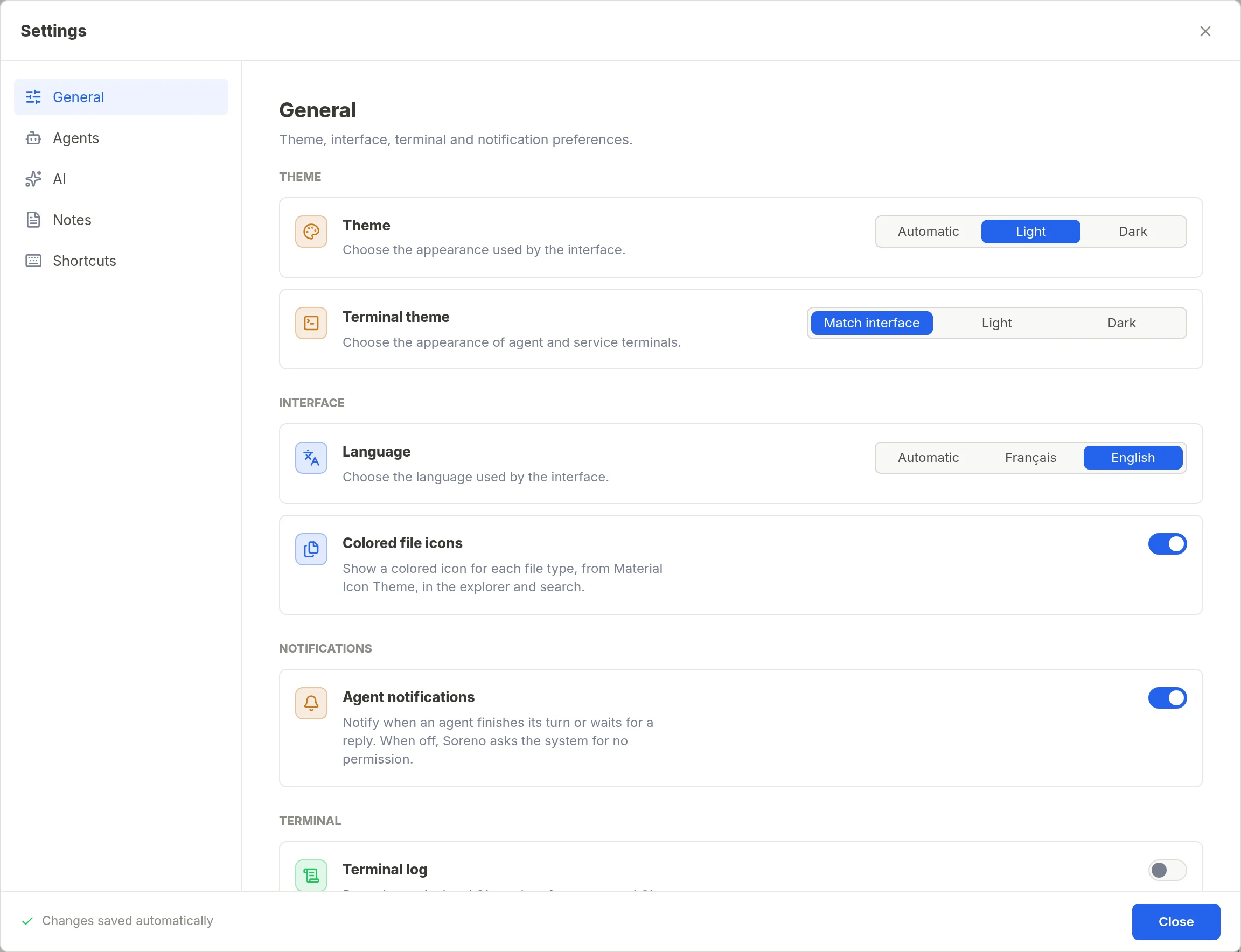
In Settings, General section, turn on Colored file icons: the explorer, search and quick open show an icon per file type, from Material Icon Theme. The same screen sets the theme, Automatic, Light or Dark, and the terminal’s; the moon or sun button in the status bar switches in one click.
All the details are in the Icons and colors page of the documentation.
